A store that feels like you
Choose a design, add your identity and tell your story. Clothing, grocery, restaurant and other businesses share the same flexible foundation.
Built for independent Indian sellers
Bring your products, stock and orders together in a storefront that feels like your business.
Seller subscriptions. Your payment account. Your delivery arrangements.
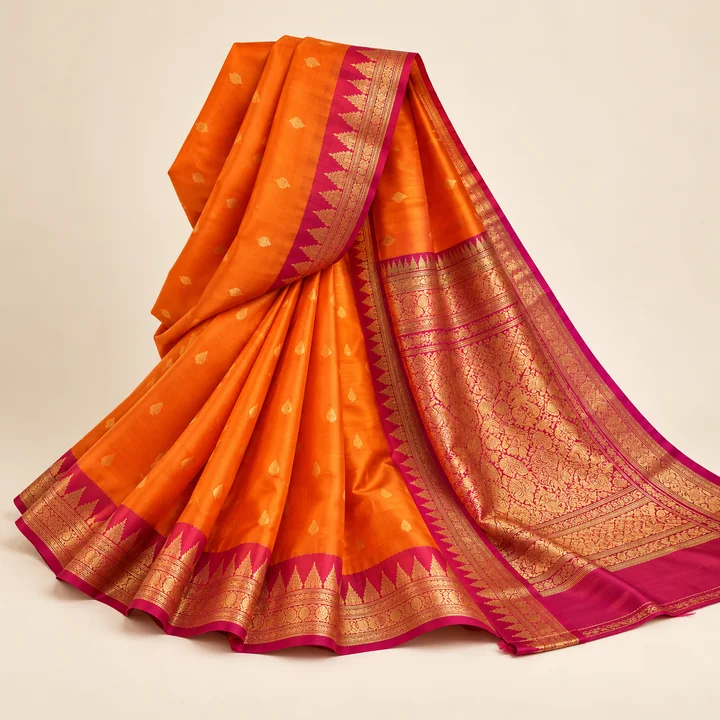 Fashion & clothing
 Everyday essentials
 Food & favourites
A platform for your business.
Your own storefrontOne seller workspaceSubscription-basedYour everyday work, connected
From your first product to your next order, work from one responsive seller workspace.
Choose a design, add your identity and tell your story. Clothing, grocery, restaurant and other businesses share the same flexible foundation.
Manage your products, prices, photos, stock and orders from your own seller workspace.
Each store has its own customer accounts, cart and checkout. Delivery, support and store policies stay with that seller.
Your business. Your scope.
StyleForce works on seller subscriptions. Contact us to discuss plan pricing, included services and your store requirements.
Seller subscriptions
Your store is waiting
Go straight to your products, inventory and orders. Enter the store address provided during setup to open your seller workspace.
Looking for customer sign-in help?Already on StyleForce?
Your seller workspace uses authenticator-app two-factor authentication.
Before you explore
These demo stores use sample catalogues, menus and prices. They do not accept real payments or offer real deliveries. Explore each storefront to see the experience.
Each store has a separate cart, checkout and customer account. Participating stores let you enter with your StyleForce account. Your orders stay with each store, and existing store accounts remain separate. Read the account guide
The pins illustrate the clothing and grocery demos in Gollaguda, Alwal. They are not exact shop addresses or directions, and they do not indicate delivery coverage.
The platform supports multiple business types. The clothing, grocery and restaurant demos show different ways to use the same platform. Setup is scoped to each seller’s needs.
StyleForce uses a seller subscription model. Contact us to discuss plan pricing, included services, billing terms and any additional requirements before subscribing.
The payment integration uses your own Razorpay merchant account. The store owner connects it through Payment integrations in the seller workspace. The current preview supports Test mode only; real payments require separate account and launch checks. Demo payments do not move real money.
Yes. We help connect a domain you own during setup. You will need access to its DNS settings so ownership and routing can be verified before your store uses it over HTTPS. Domain setup is assisted by the platform team; discuss your domain requirements when requesting a quote.
Each seller configures their supported pincodes, delivery charges, estimated delivery times and pickup options. Customers can check a pincode on product pages; checkout confirms availability and the applicable charge. The directory map does not define delivery coverage, and the demos do not provide real deliveries.
The seller workspace adapts to phone, tablet and desktop browsers. You can manage products, stock and orders there. Seller sign-in requires an authenticator app for two-factor authentication. Try your intended workflows on your phone before launching your store.
Listings are curated by the platform. A store appears after its public listing has been approved; setting up a store does not automatically list it here.
Customer account guide
Use StyleForce to sign in to participating stores. Each store keeps its own customer accounts, carts and orders.
Open your StyleForce accountYes. You can register with the same email on StyleForce and on individual storefronts. Each registration has its own account and independently managed password. Matching emails do not automatically connect accounts or reveal existing orders.
At a participating store, you enter with your StyleForce sign-in without creating a separate store password. We reuse your selected connected store account, or create a separate store account for your StyleForce login. An older account with the same email stays separate until you verify that you own it.
In the store, open Profile, then “Have orders in an older store account?” and choose “Connect an older store account”. Sign in to your original store account and confirm its password. Once verified, use “Your store accounts” to choose “Open this account”. Each account keeps its own orders, cart and saved store addresses; connecting them does not merge their histories.
Yes. You can keep using that store's email and password without registering on StyleForce. Your StyleForce password does not automatically become a store password. For an account created through StyleForce entry, choose “Continue with StyleForce”. This option appears only at stores whose owner has enabled it.
Your orders and carts stay with each store account. You can explicitly choose a saved StyleForce address to copy into a store, or confirm saving an address from an owned store account to StyleForce. Later edits do not automatically update the other copies or addresses on earlier orders.
You buy from the independent seller shown on the storefront. That seller manages its products, payment account, delivery arrangements and store policies. StyleForce provides storefront technology through seller subscriptions. For an order issue, use the seller's contact details and policies shown in that store. These demos do not accept real payments or provide real deliveries.